PHASE X RESOURCES · WORKSPACE SYSTEM GUIDE
See structure.Organize the decision.Execute in one place.
A professional workspace unifying structural visual analysis and quantitative decision engines, connected directly to MetaTrader 5.WINDOWS 10 / 11 · v3.10.3 RC1 · 247.09 MiB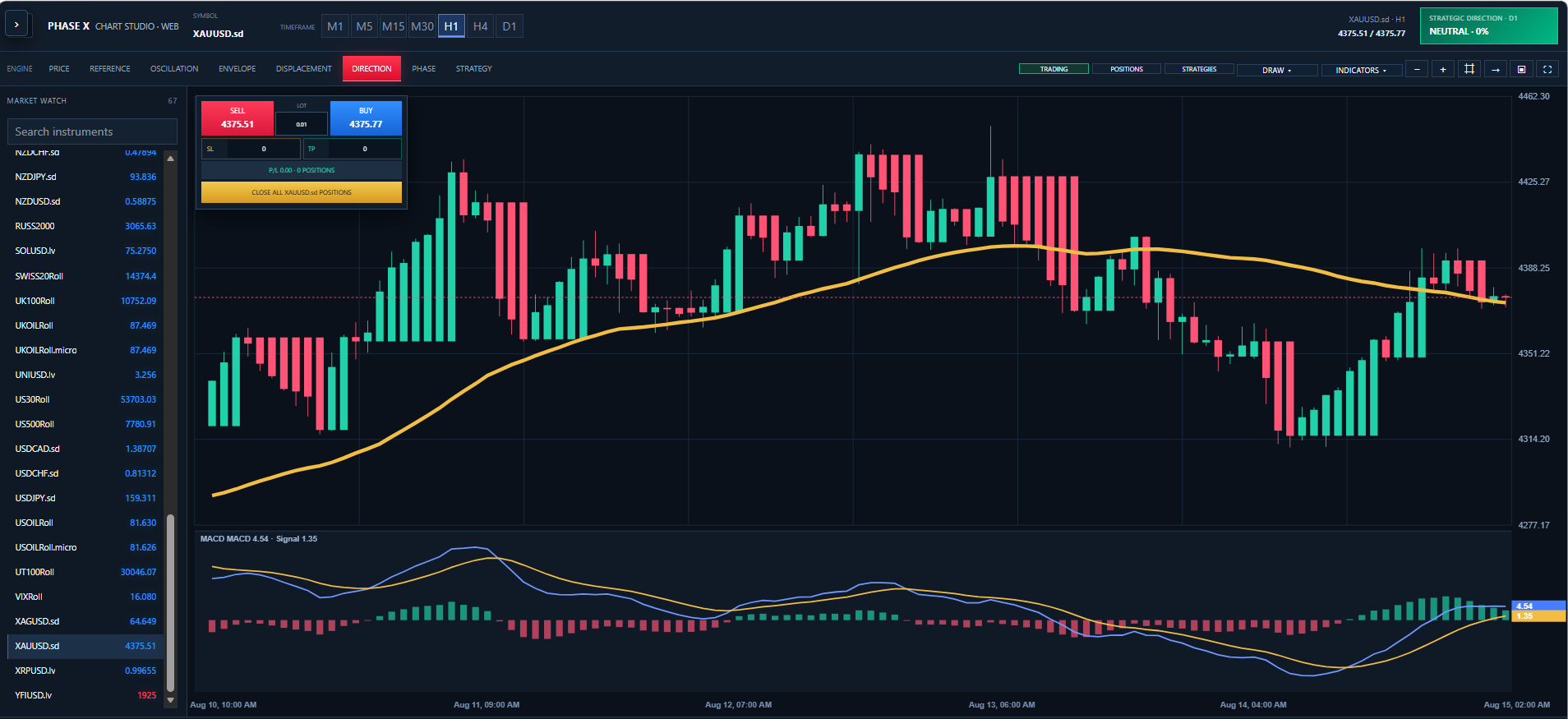
SYSTEM 01 · STRUCTURAL VISUALIZATION
PHASE X Chart Studio
The market as you have never seen it before
Not another candlestick viewer or a copy of MetaTrader or TradingView. It transforms broker data into proprietary PHASE X structural charts for a clearer view of internal market behavior.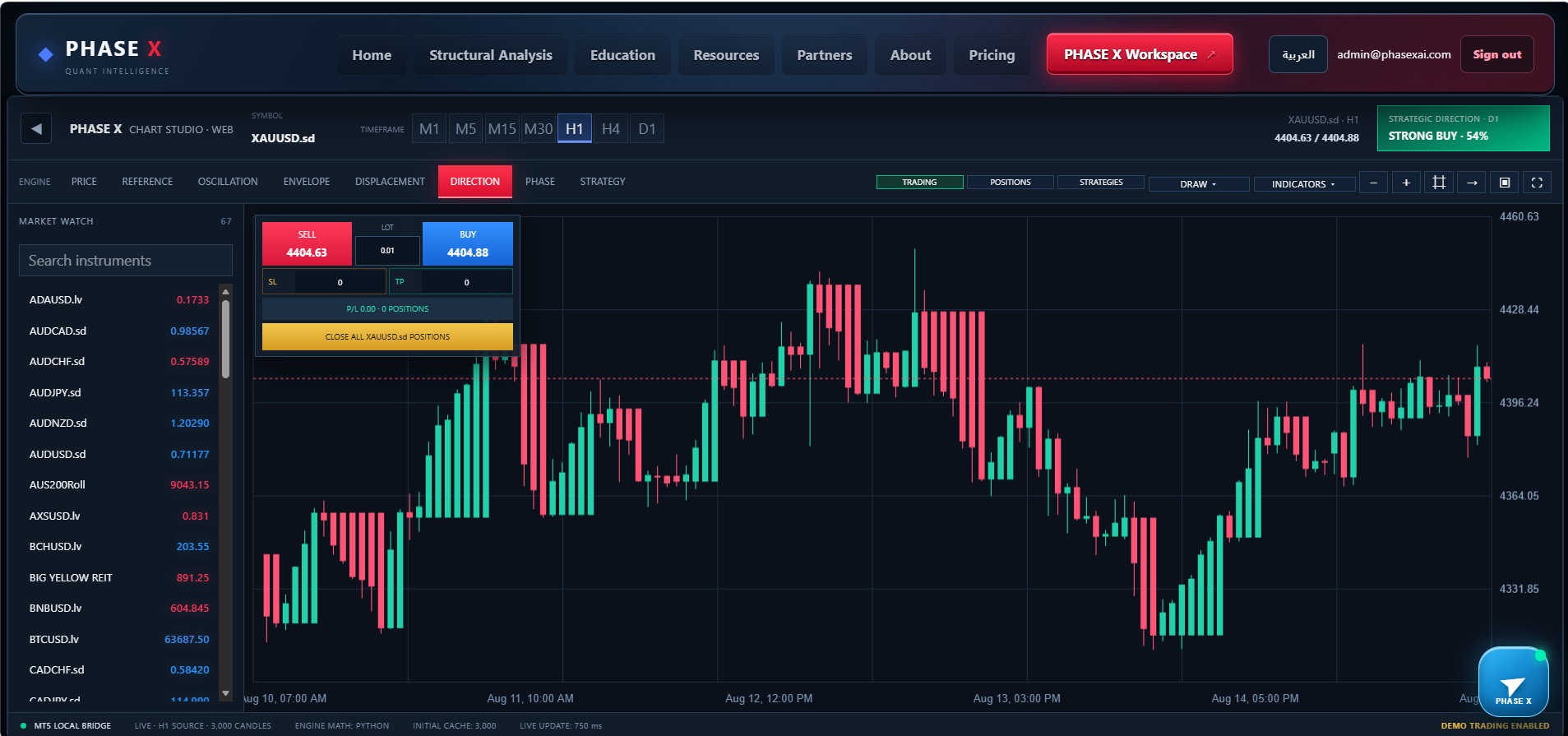
LOCAL MT5 CONNECTION
Built around your broker, synchronized live.
THE STRUCTURAL ENGINE ROOM
Seven views of the same instrument.
PRICE
Original broker price and the source for every engine
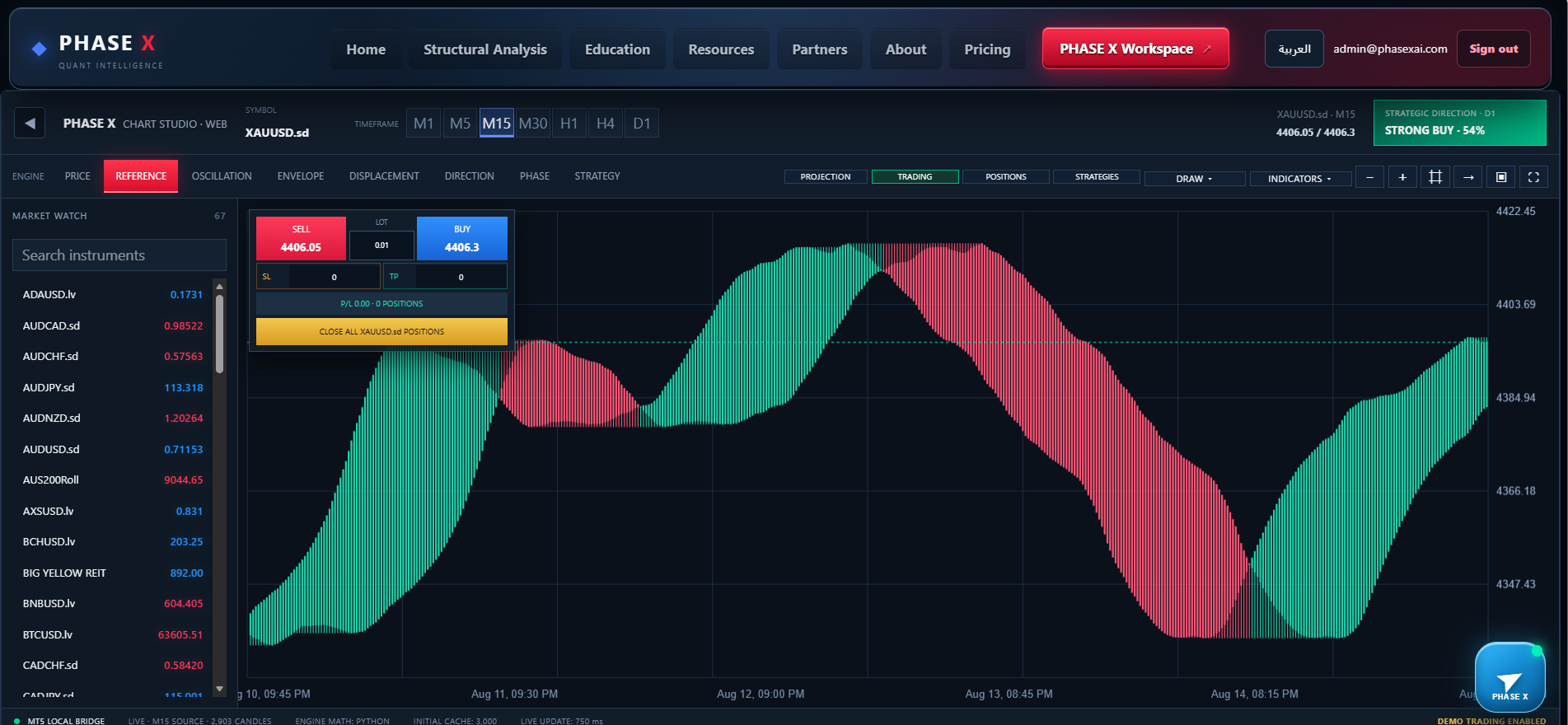
REFERENCE STATE
Reorganizes market memory to expose structural transitions
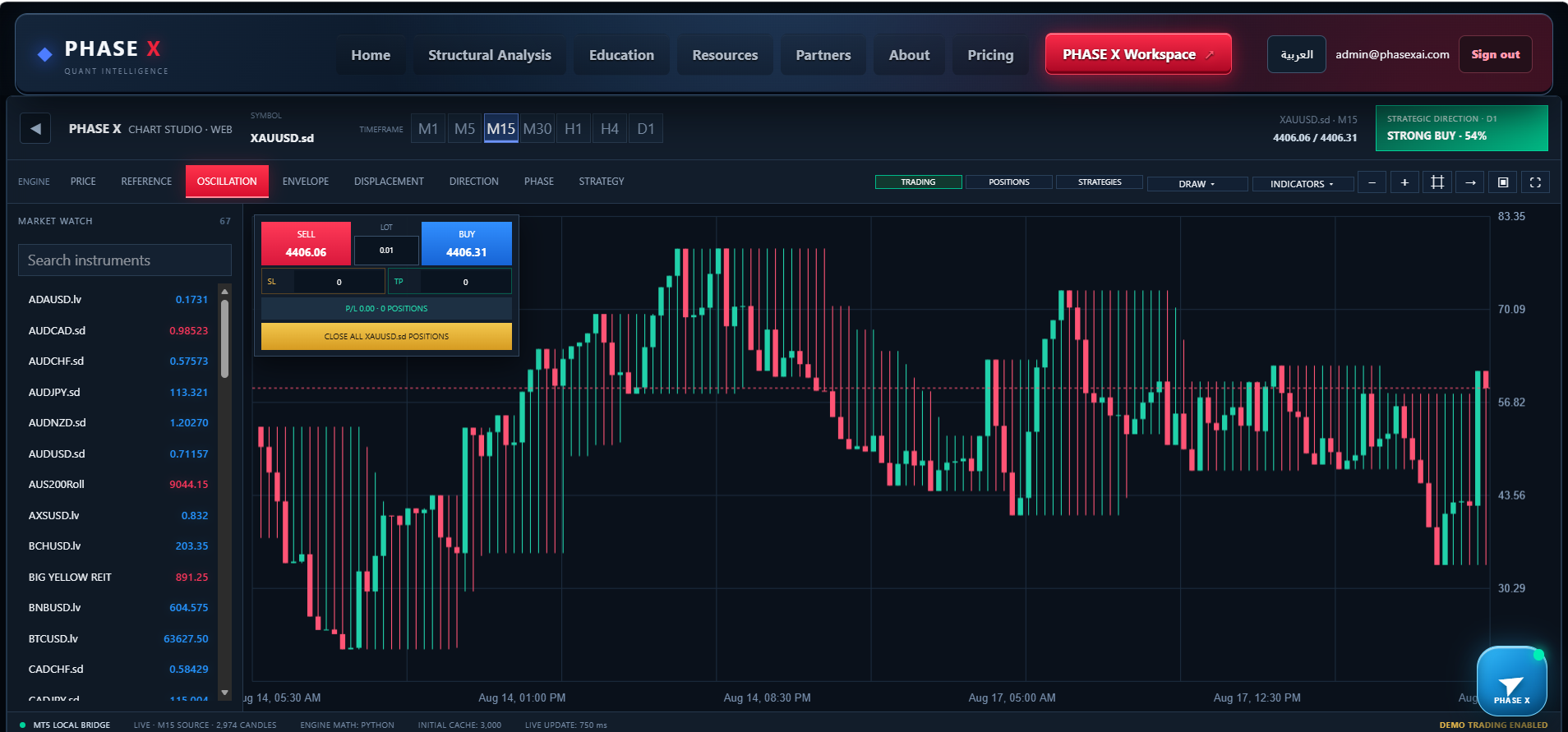
OSCILLATION STATE
Turns oscillation and momentum into a connected candle market
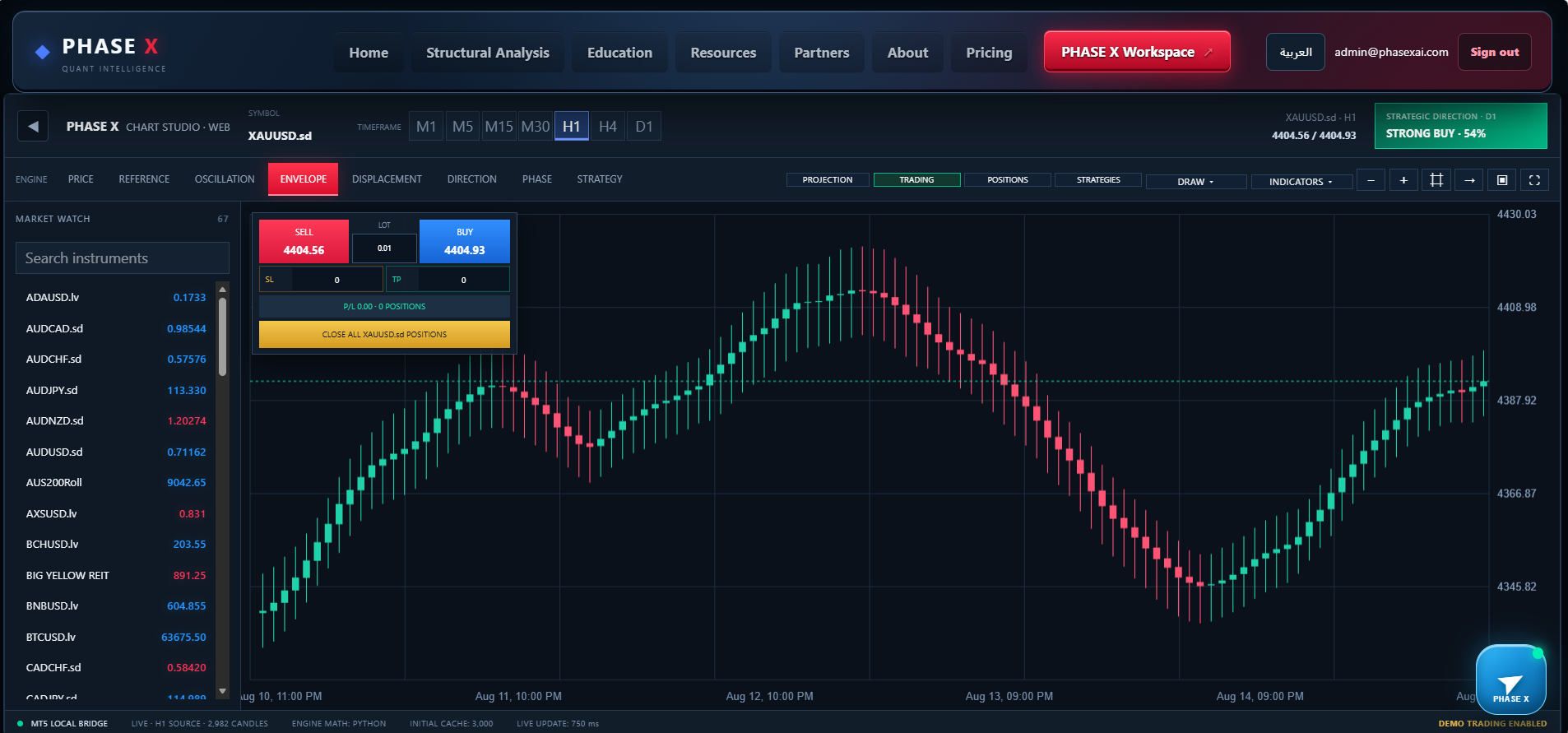
ENVELOPE STATE
A calmer derived OHLC view of average market behavior
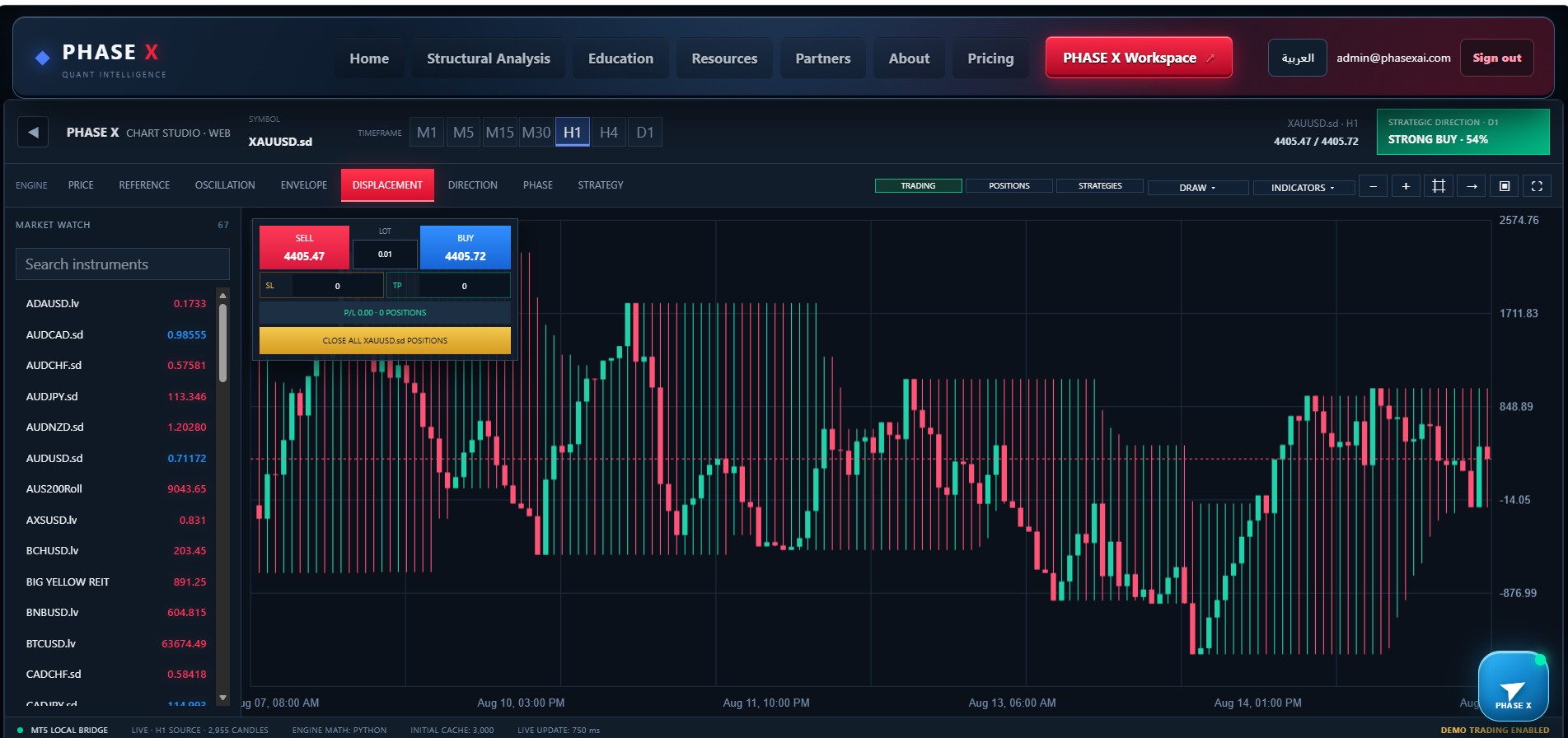
DISPLACEMENT STATE
Reveals accumulated movement, imbalance and internal load
DIRECTION STATE
Clarifies directional continuity and reversal zones
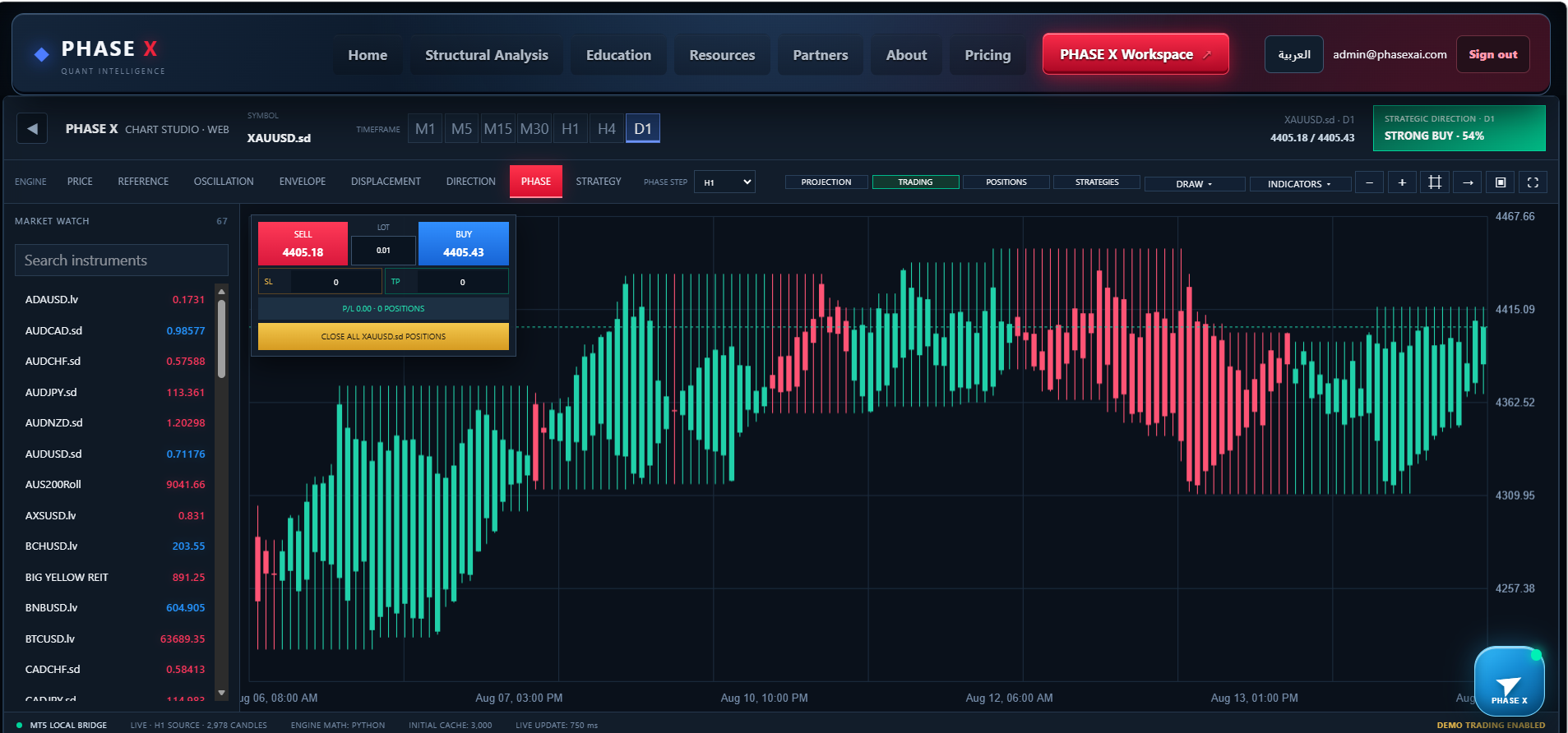
PHASE STATE
Moving multi-timeframe windows reveal structural evolution
PROFESSIONAL ANALYSIS TOOLKIT
Tools for investigation, not decoration.
01
Smooth Zoom, Pan and interactive Crosshair
02
Lines, Trends, Rays, rectangles, arrows and text
03
SMA, EMA, Bollinger, RSI and MACD
04
ATR, VWAP, Volume and resizable panes
TRADE FROM THE CHART
Analysis and execution in one context.
Execute BUY and SELL, set SL and TP, monitor P/L, drag levels visually and confirm changes before sending them to MT5. External platform changes remain synchronized.SYSTEM 02 · QUANTITATIVE DECISION CENTER
PHASE X Quant Desk
From data to an organized decision
Compares independent engines and time models, then organizes direction, BUY or SELL, Entry, SL, TP, strength and consensus into a readable environment.CONTROLLED EXECUTION MODES
Four modes. One risk-aware framework.
MANUAL
Execution only after trader confirmation
AUTO
Selected engines execute under approved settings
DIRECT
Direct route retaining decision and risk rules
AUTO TIME
Build exposure progressively through time
PORTFOLIO & OPERATIONS
Intelligence beyond a single trade.
MARKET SCANNER
Monitor many instruments and rank the clearest opportunities
FULL ENGINE MATRIX
Inspect direction, Entry, SL, TP, lot and signal time for every engine
PHASE X BASKET
Organize assets, decisions, lot distribution and combined performance
EXECUTION CENTER
Track orders, rejections, execution modes and automation
EXPOSURE MANAGER
Read positions, concentration, direction and current P/L
SYMBOL MAPPING
Map standard symbols to broker names with prefixes or suffixes
ONE CONNECTED WORKSPACE
Chart Studio sees structure. Quant Desk organizes the decision.
THE COMPLETE PHASE X ENVIRONMENT
Vision, decision and execution—connected.
Run Quant Desk in the background, move to Chart Studio for analysis and trade management, and keep MT5 synchronized inside one environment.PHASE X is analysis and decision-support technology. Trading involves risk and results do not guarantee future performance.TRUST · TRANSPARENCY · RESPONSIBILITY
Built on clarity. Governed by responsibility.
Read the policies that govern PHASE X access, privacy, market-risk disclosure and the principles behind our structural intelligence platform.